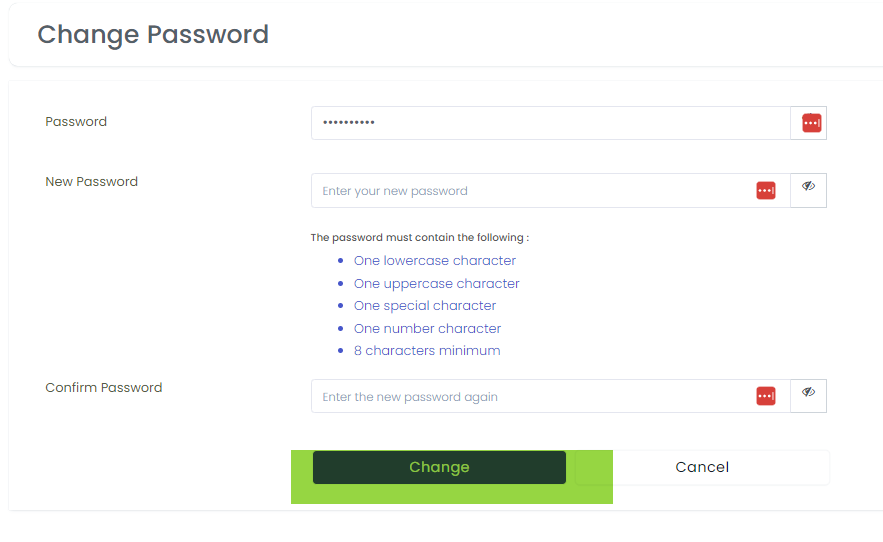
Please follow the steps below to update your password
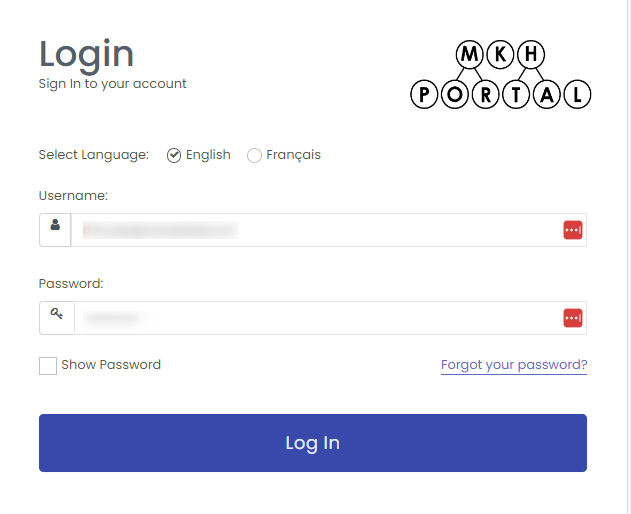
- login to the MKH Portal, enter your username, password and click the “Log In” button
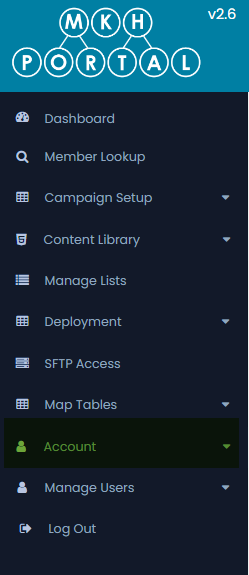
2. From the left-hand menu select Account
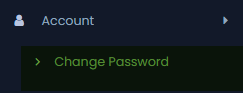
3. Click Change Password
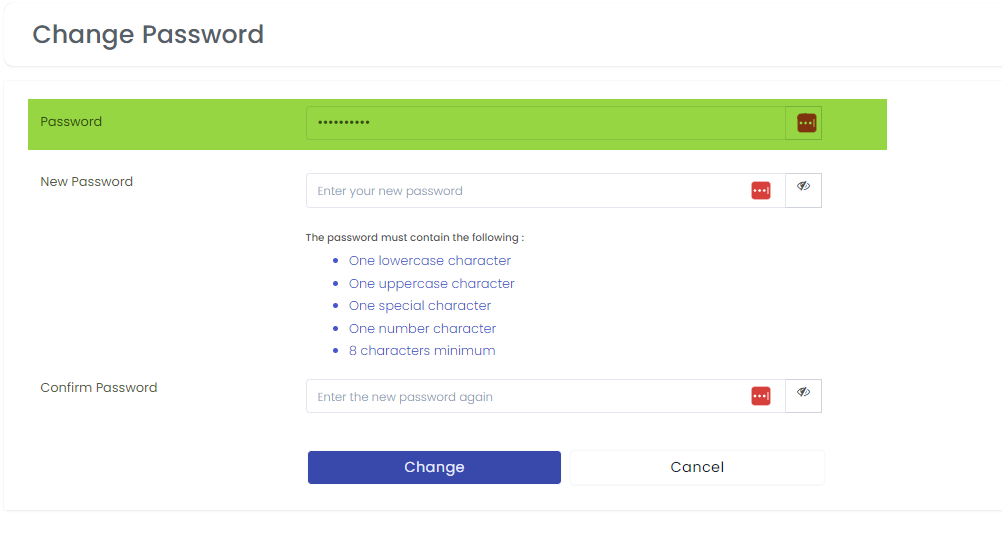
4. Enter your existing password
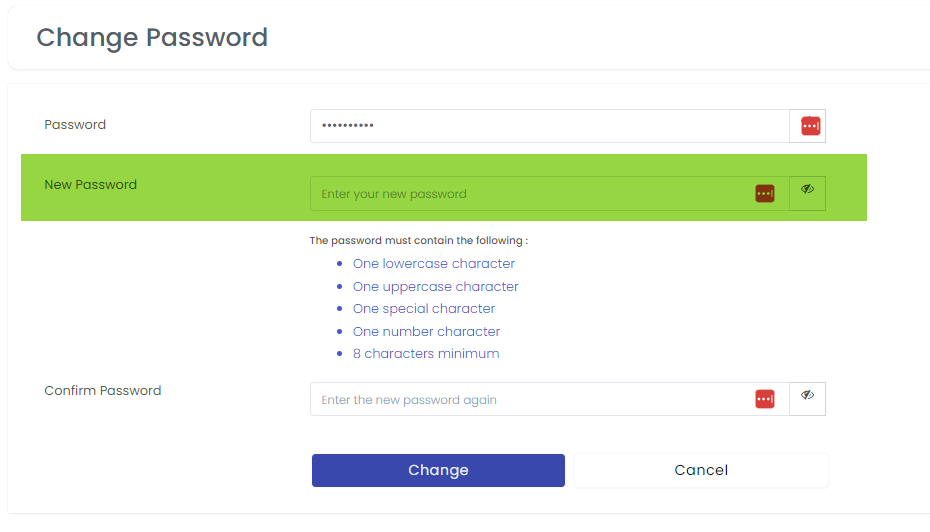
5. Enter your new password
6. Confirm your new password
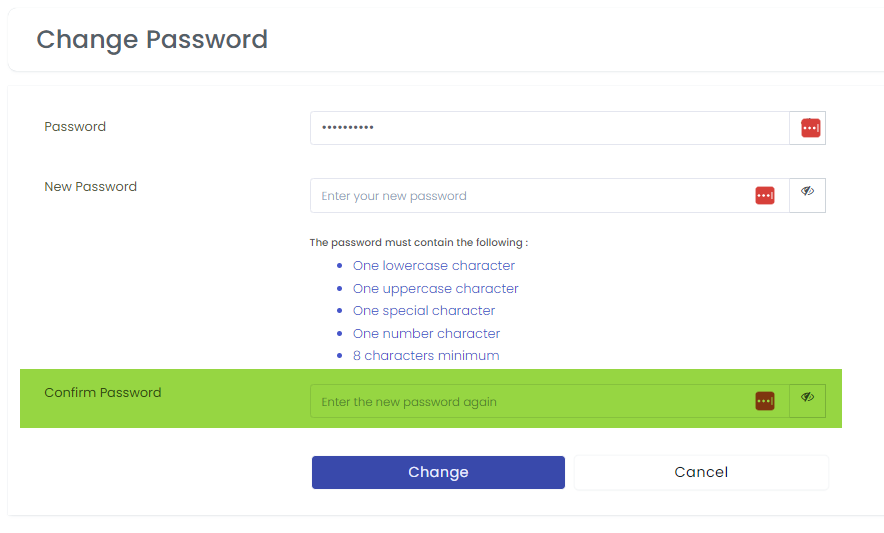
7. Press the change button