
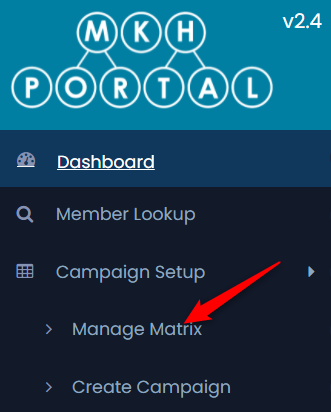
Select the Campaign Setup menu and click on Manage Matrix:
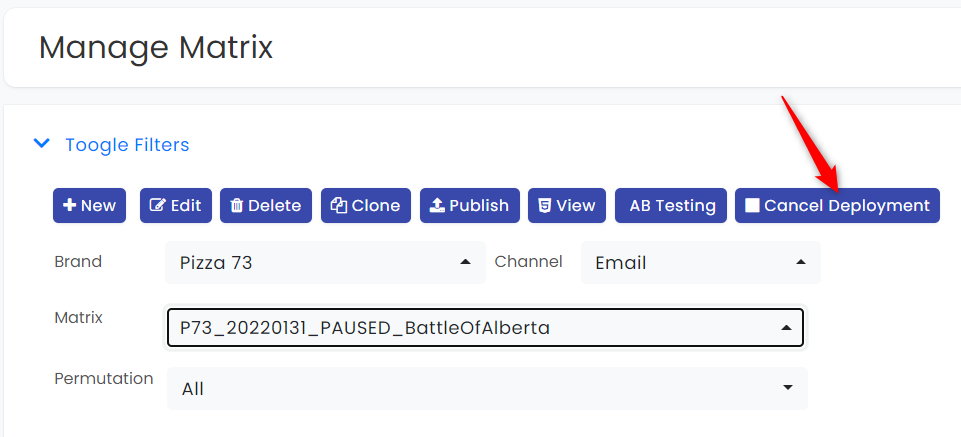
Select the Brand, Channel and Matrix from the drop down lists, then click the Cancel Deployment Button:
You will receive an alert to confirm that you want to cancel:
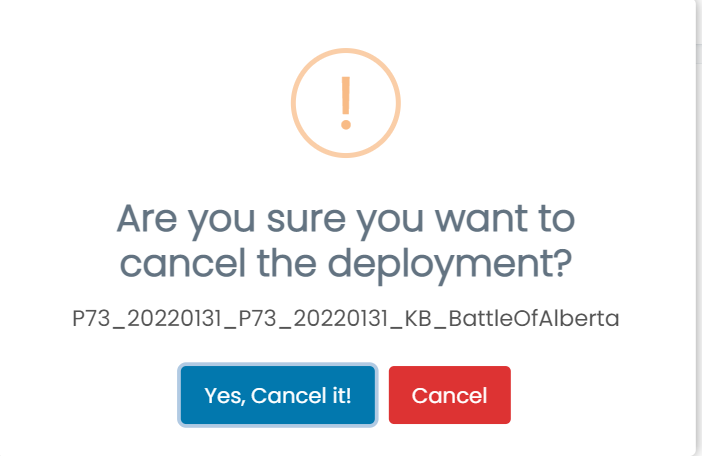
Click Yes, Cancel it! to confirm.
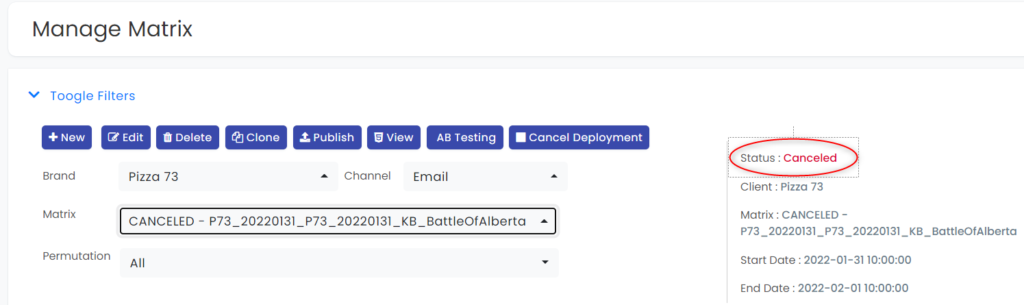
The status on the matrix will be updated to indicate that it has been cancelled:
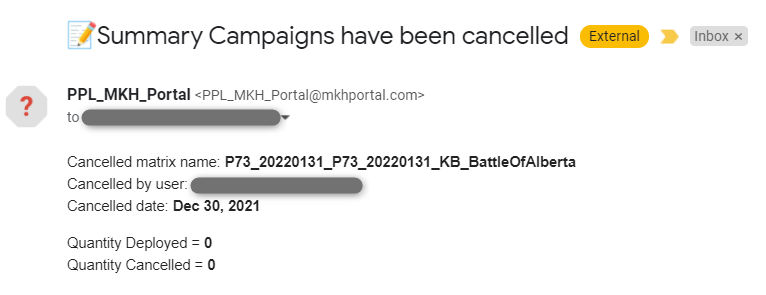
You will receive an email confirming the cancellation:
Resuming a Deployment after Cancellation
If the campaign had already started and some emails were deployed, and you wish to continue the deployment, email Natalia Zader (nzader@racedata.ca) and cc Eric Desautels (edesautels@racedata.ca) with your request.