
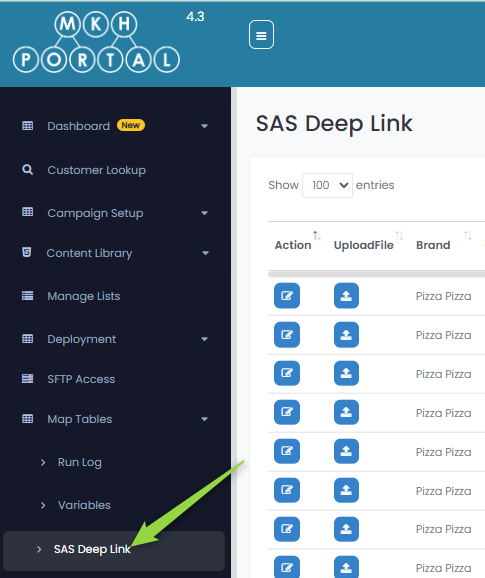
To add Score a Slice (SAS) Deep Links, access it here:
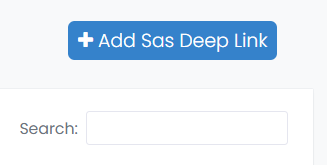
To add a deep link, click on the +Add Sas Deep Link button at the upper right of the screen:
This will display the following screen where you enter details:
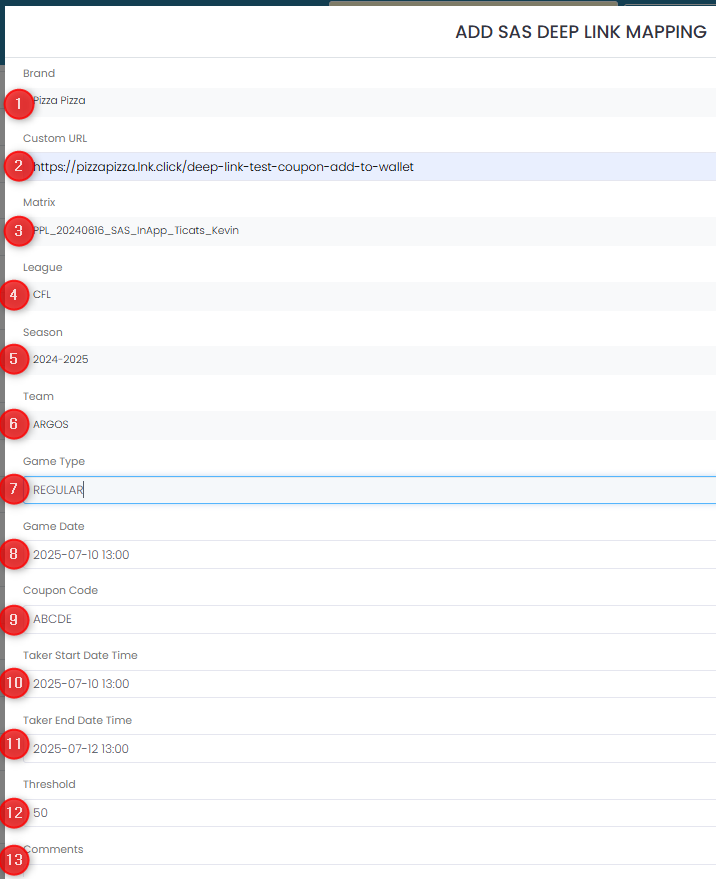
- Select the Brand
- Enter the Custom URL that drives this promotion
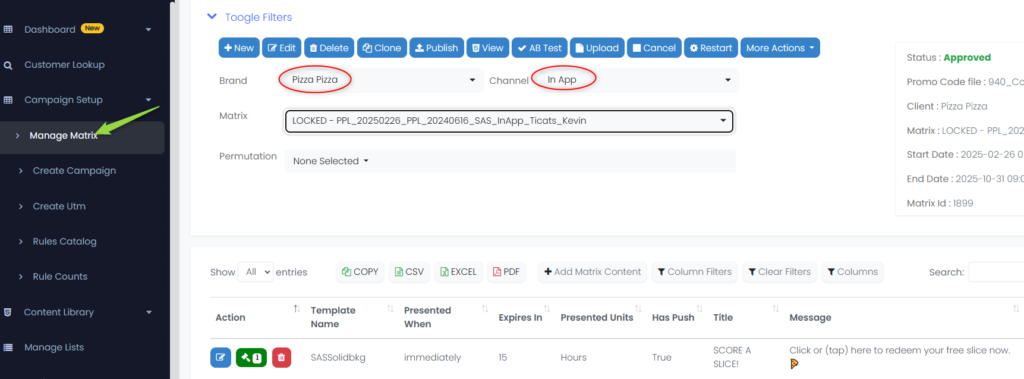
- Select a pre-existing In App Matrix. These are configured under the Manage Matrix section as shown
- Select the League
- Select the Season
- Select the Team
- Enter a Game Type
- Select the Game Date
- Enter the Coupon Code
- Select the Taker Start Time Date (the start of the window when the customer is able to click on the link)
- Select the Taker End Date Time (the end of the window when the customer is able to click on the link)
- Enter the Threshold (the number of customers who must sign up for this promotion before the push will be sent)
- Enter any comments to help identify this push campaign
In-App Matrix
This is where you define the In-App Matrix used for SAS Deep Linking:
Link Options
When a SAS Deep Link is created, it is added to the list and you have the following options available:
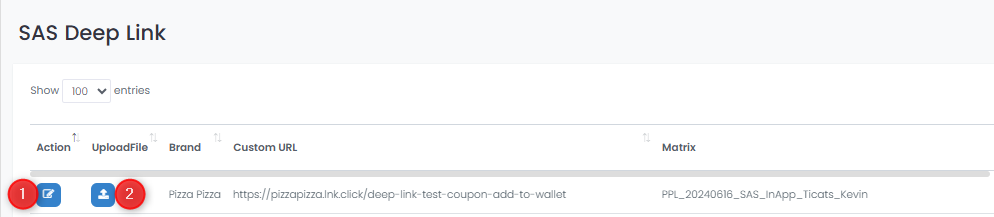
You have two edit options for existing deep links:
- Edit the link
- Upload Promo File(s)
Upload Promo Files
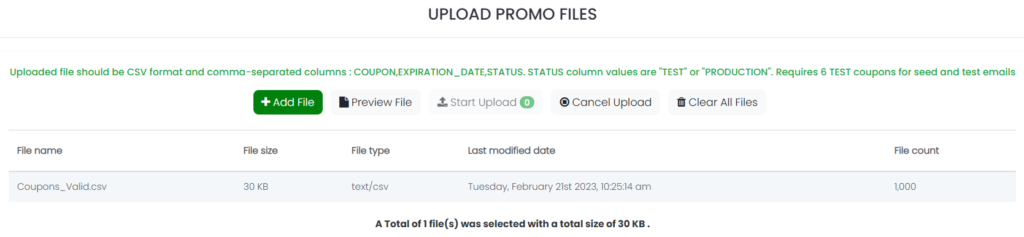
When you click on the icon to upload a promo file, you will see this screen:

- +Add File will allow you to select a file that contains promo codes for upload
- Preview File shows the contents of the promo file to ensure that the content is correct
- Start Upload will upload the promo code file
- Cancel Upload will stop the uploading of the promo codes
- Clear All Files will remove any existing promo codes
When a file is added, it shows up in the list:
Click Preview File to see how the records look:
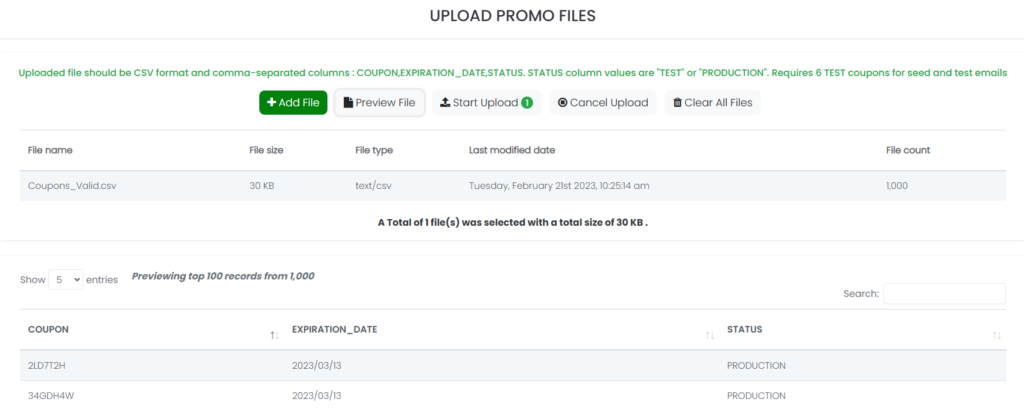
Click Start Upload to load the records