
1. Home
  2. Knowledge Base
  3. Campaign Setup
  4. Adding new template to In-App matrix

Adding new template to In-App matrix

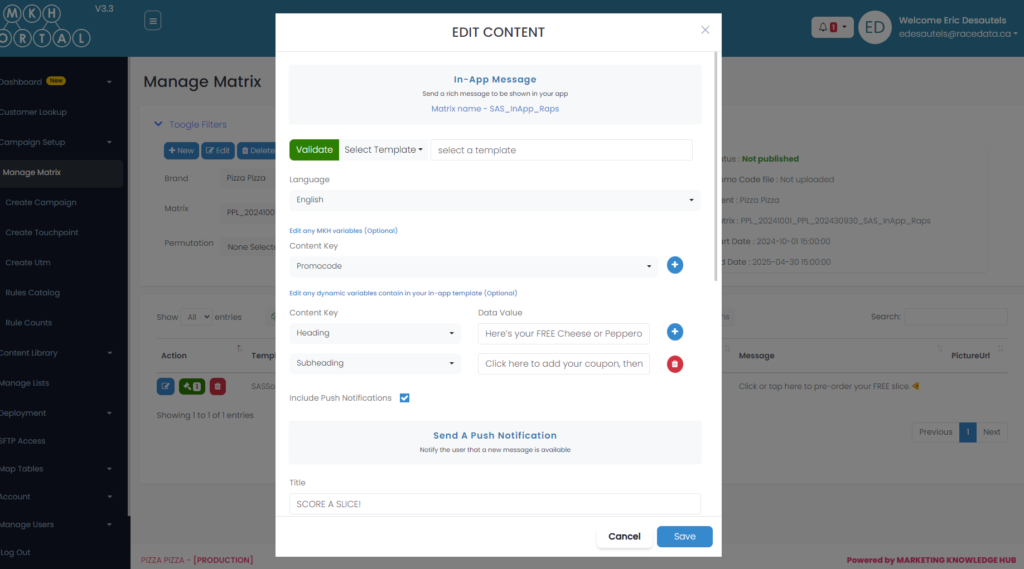
Go to Add or edit content.

Select the option “Select Template” from the drop down menu if you do not see your template.
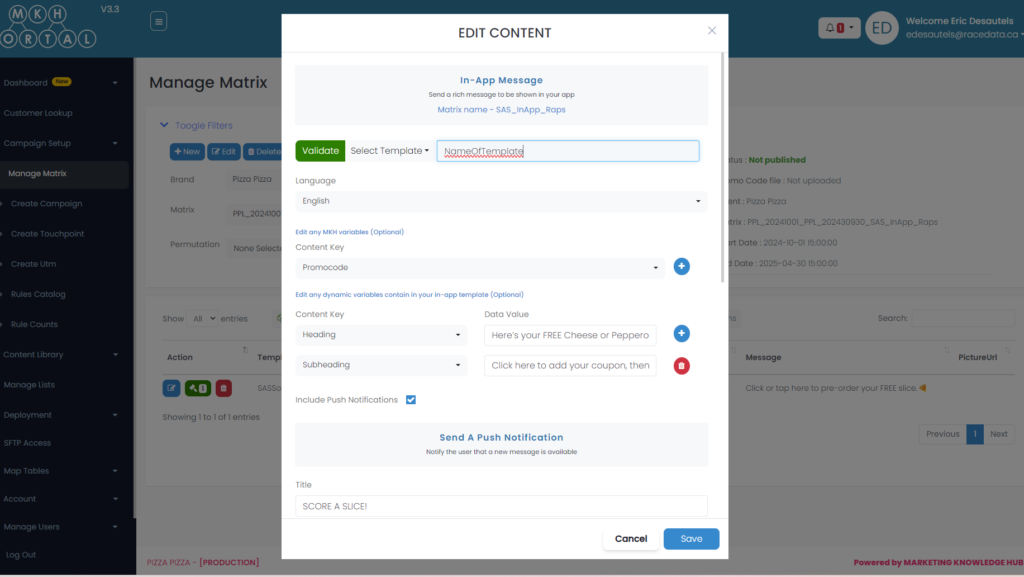
Add the name of your template next to the drop down and click the save button.
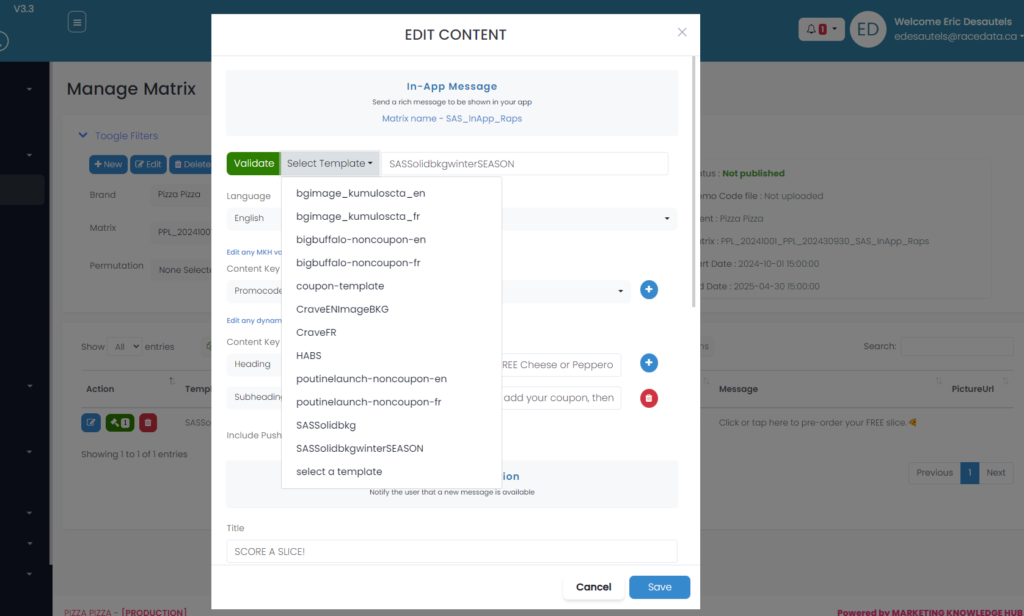
On the next occurence, your template will now appear in the drop down menu as an option to select.
Updated on October 2, 2024
Was this article helpful?

Related Articles

Need Support?
Can’t find the answer you’re looking for? Don’t worry we’re here to help!
Contact Support