What is a Seed?
A seed is an email address to which a “copy” of a random delivery from a campaign will be sent. This can be used to track deliverability.
What is a Customized Seed List?
A customized seed list allows you to specify (at a campaign level), the addresses that seeds will be sent to. This overrides the seeds that are defined under the Manage Lists section. If a campaign does not have a customized seed list set up, the default seed addresses will be used.
Creating a Custom Seed List
To create a customized seed list, click on the Manage Matrix menu option under Campaign Setup and then perform these steps:
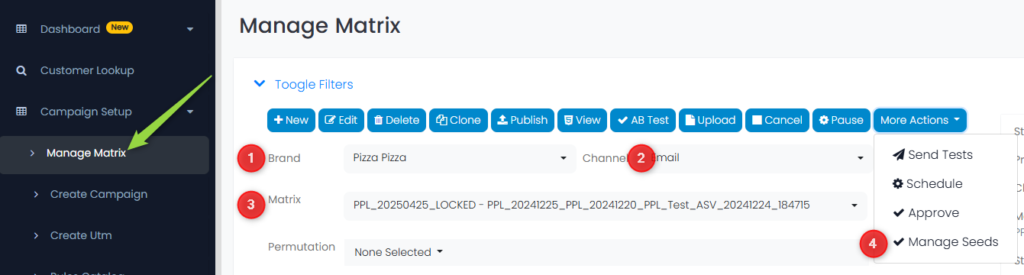
1. Select a Brand
2. Select a Channel
3. Select a Matrix
4. Click on the More Actions drop-down menu and click on Manage Seeds
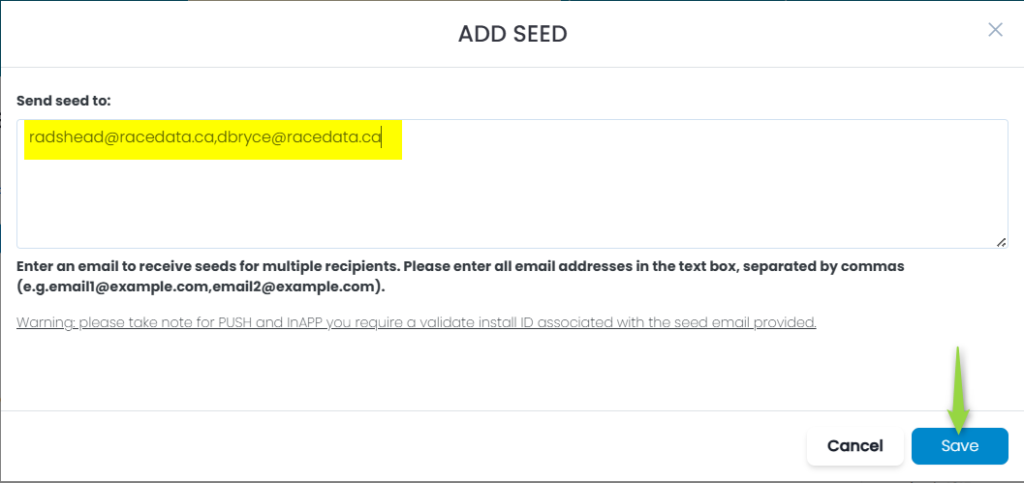
Enter the email address, or multiple email addresses separated by commas (no spaces permitted), and then click on the Save button:
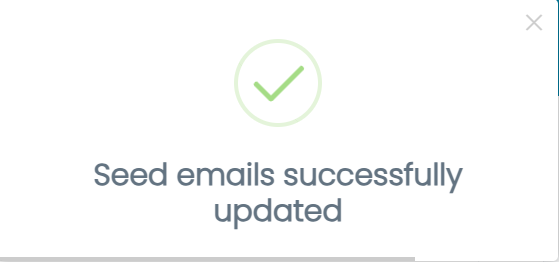
You will see a pop-up confirming the addition:
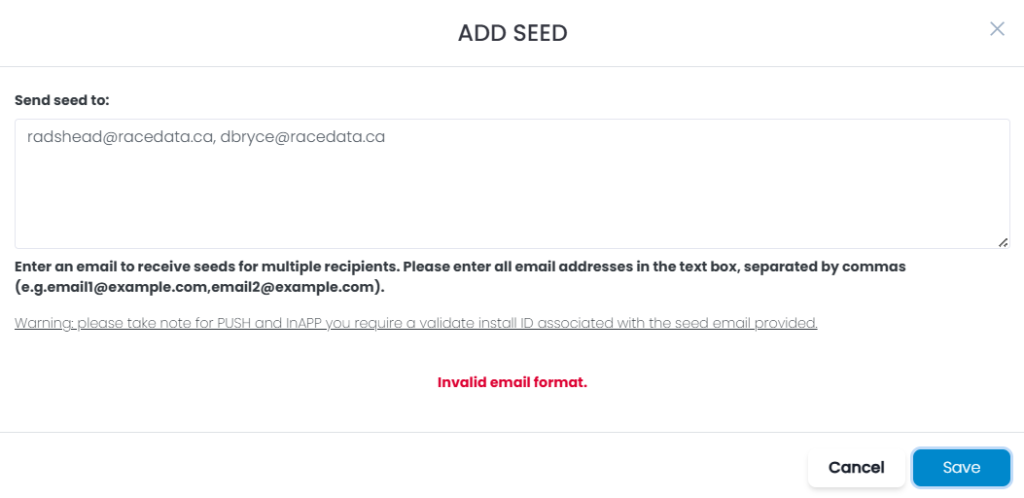
If you did not correctly enter the email address or addresses (for example you have a space between the commas in the list), you will see an error:
Updating a Seed List
To change the seed list, go back to the Manage Seeds menu choice as before, and add any new addresses, or delete any existing email addresses in the list, and then click the Save button:
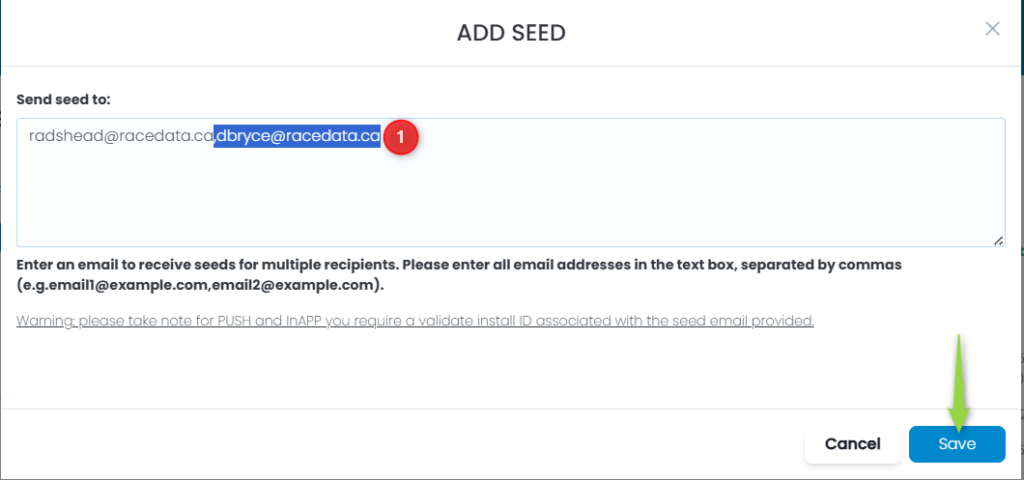
1. In this example, I have highlighted the 2nd email address and deleted it (along with the comma between email addresses)
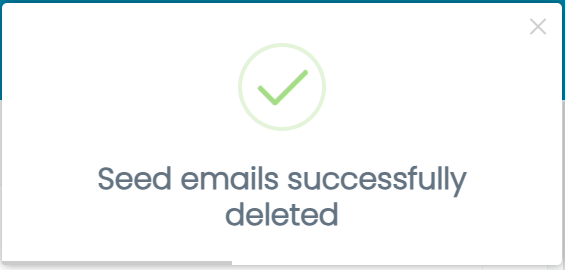
A pop-up confirms the change: